One operating center
Financial and business software built around the work since 1990.
Meet the core suiteThe operating record behind the relationship
The all-in-one CRM with an integrated Virtual Assistant Call Manager.
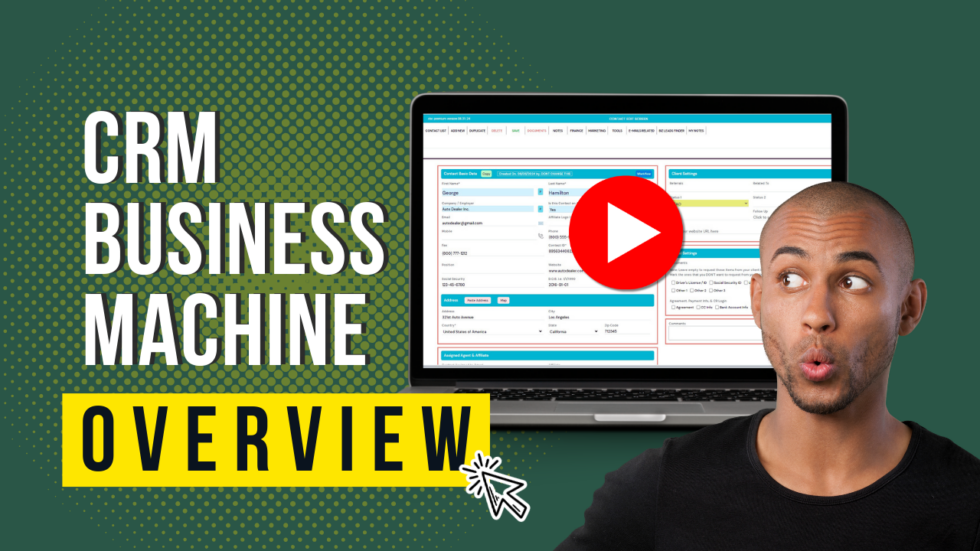
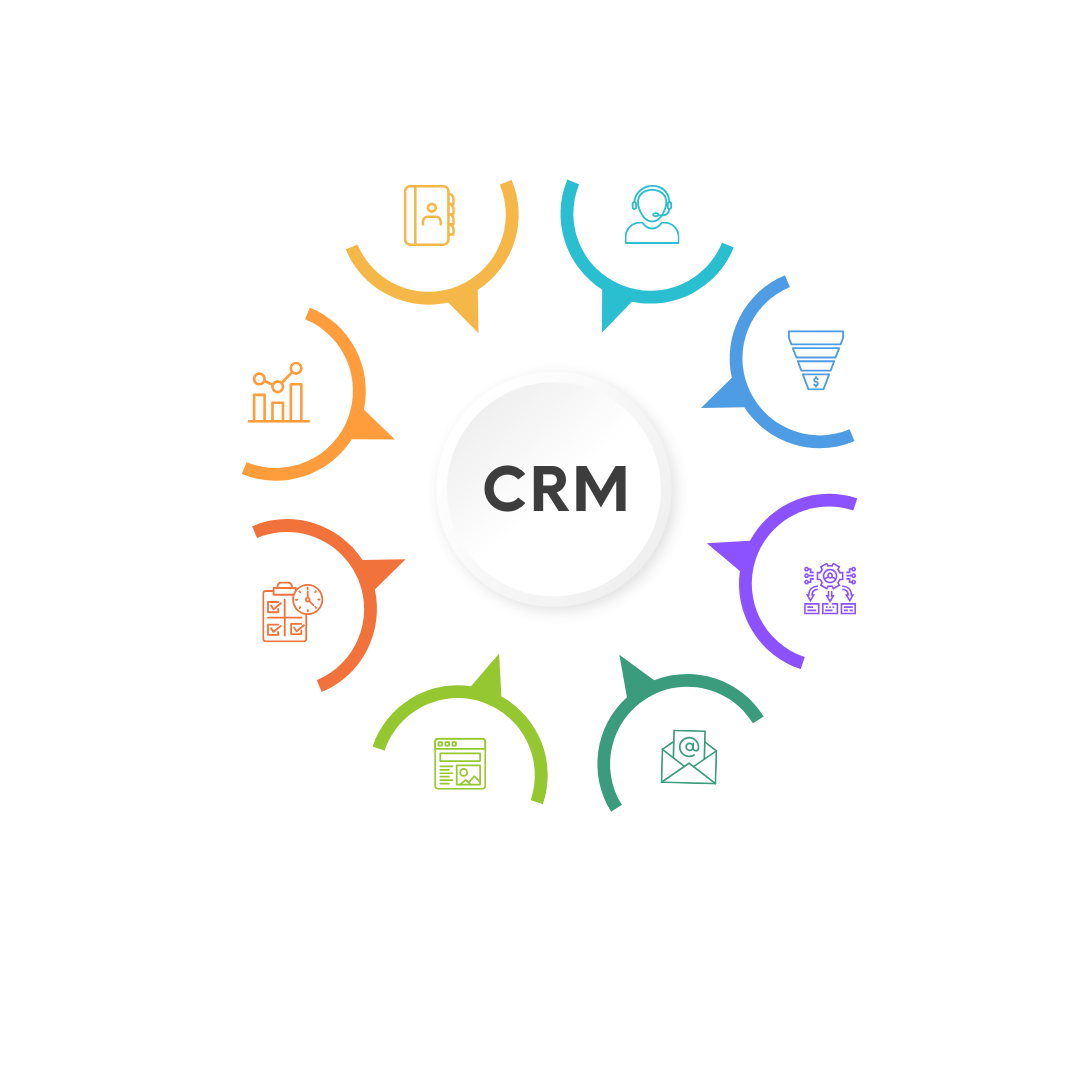
CRM Business Machine connects contacts, outreach, campaigns, tasks, documents, portals and billing—so a growing team can act from the same history instead of switching between disconnected apps.
See the product—not a generic placeholder
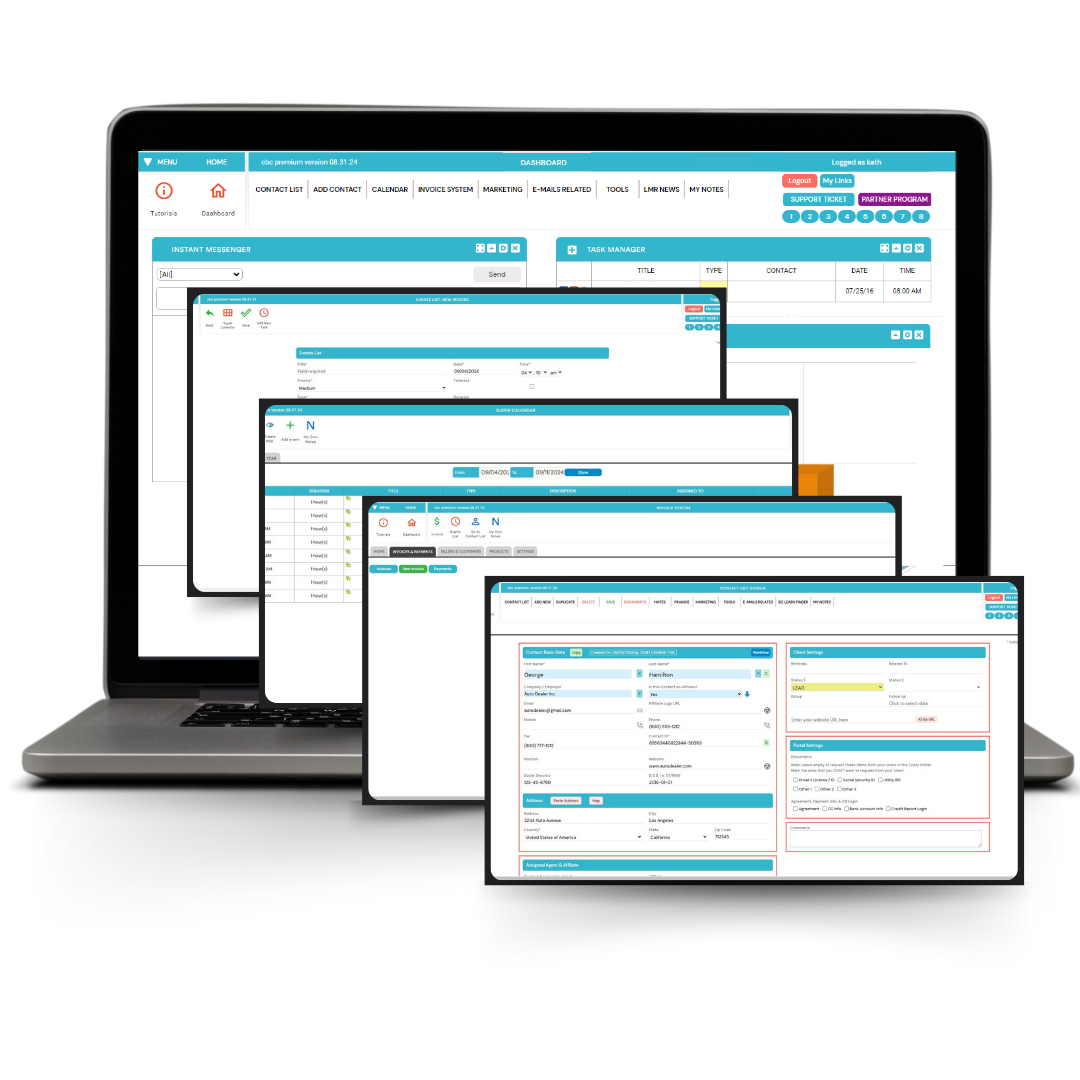
These visuals come from the official CRM Business Machine experience and show the capabilities that make this solution distinct.
The next move is simple: compare the workflow below, then review current licensing at LMRORDER.com.
View current offerWhat you get
Each capability solves a specific operational problem. Together, they create a more connected path from intake to action and follow-up.
Organize contacts, groups, filters, notes, documents, follow-up status and bulk updates without losing the history.
Give virtual assistants assigned lists, scripts, call notes and appointment actions without automatically exposing the full CRM.
Connect link clicks and workflow conditions to emails, SMS, tasks, notes, webhooks or another campaign step.
Keep email, supported SMS, campaigns, surveys and client conversations connected to the contact record.
Bring tasks, calendars, templates, invoices, payment connections, portals and e-signatures into the same workspace.
Use imports, integrations and API connections to keep the CRM at the center of an existing business stack.
Implementation
Technology earns its place when the next action is clear, the handoff is easier and the history stays available.
Start with the current offerImport or create records, then segment them by status, group and the next action that matters.
Give a team member or virtual assistant a focused list, script and appropriate permissions.
Use campaigns and workflow conditions for consistent messages, tasks and internal updates.
Manage appointments, documents, invoices, portal activity and follow-up from the same contact record.
Who it is for
CRM Business Machine is most relevant when one or more of these situations describe the person or business evaluating it.
Small and midsize businesses outgrowing basic contact lists
Sales and service teams that need a shared follow-up history
Companies delegating calls and outreach to virtual assistants
Operators consolidating CRM, marketing and client operations
Think beyond one workflow
License a focused product for the job in front of you. When adjacent client needs matter, review how the LMR portfolio can extend the offer without blurring each product’s purpose.
Before you decide
Use these answers to evaluate fit and set responsible expectations before you license the product.
Visit the official product siteThe Virtual Assistant Call Manager is designed to provide focused lists, scripts, notes and appointment actions with limited access appropriate to the assignment.
Published capabilities include campaigns, email, supported SMS, virtual funnels, surveys and condition-based workflows.
Some functions—such as SMS, softphone, payments, fax, Zapier or AI services—may depend on separate third-party accounts, terms and fees.
The business using the CRM is responsible for consent, opt-outs, do-not-call rules, privacy, CAN-SPAM, TCPA and other applicable requirements.
Related solutions
Every LMR product has a distinct job. Explore the systems most likely to complement this workflow.
 15-second, one-click professional dispute processing—plus CRM and marketing tools.
Professional credit-repair operations
Move from report review to organized disputes, client updates and follow-up without stitching together separate tools.
Explore CMM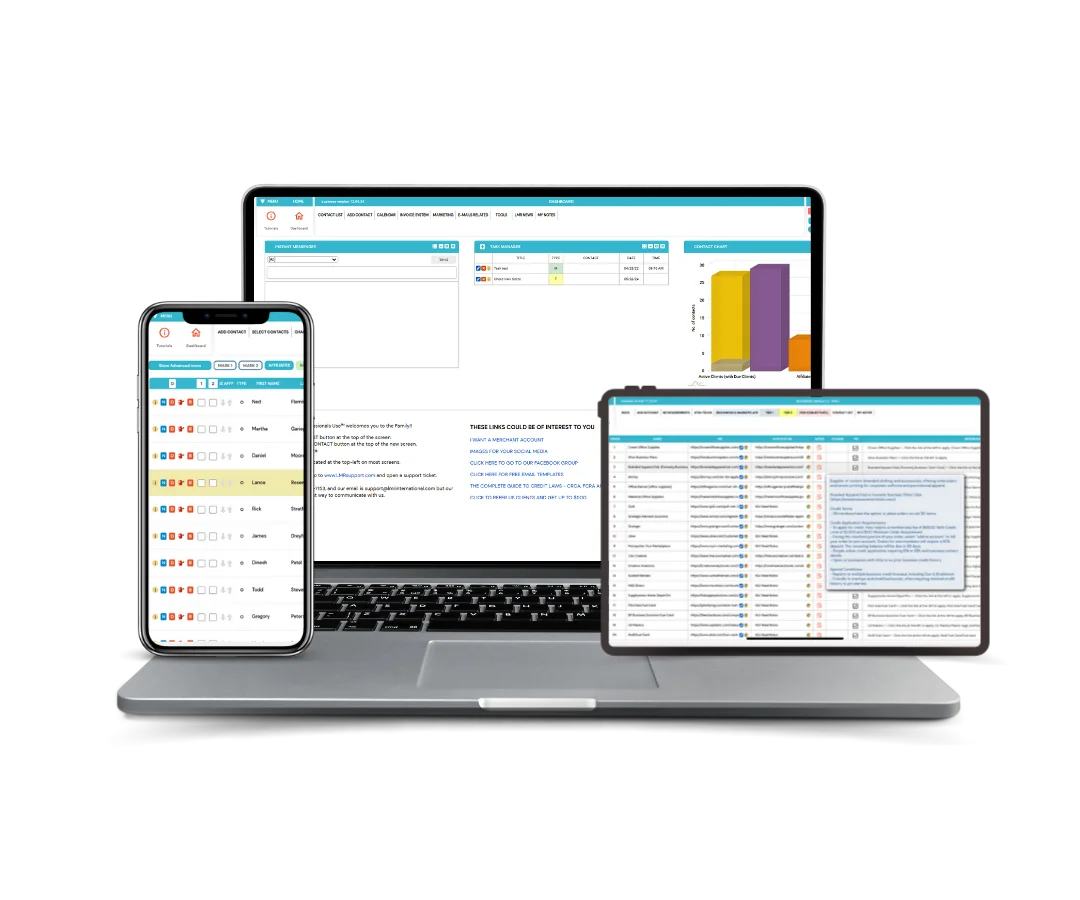 A guided business-credit building system that handles the hard parts with you.
Business-credit workflow software
Guide entity readiness, vendor relationships and client progress while running the CRM and follow-up around the work.
Explore BCM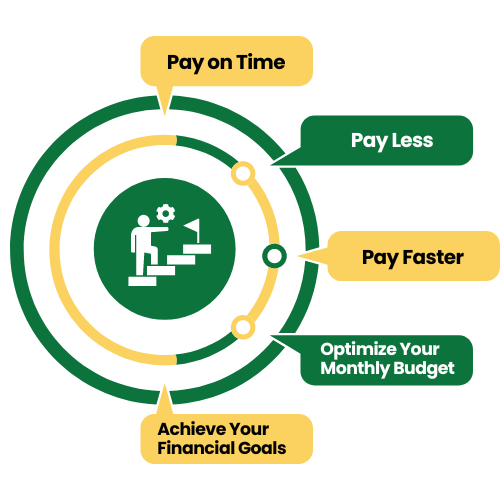 Pay on time. Pay less. Pay faster.
Debt-planning and reseller software
Organize balances, due dates and monthly priorities into a clear plan users can follow and resellers can offer.
Explore DEMConsidering CRM?
Review the current individual and combo licensing information, then contact LMR if you want help matching the product to your use case.